Welcome Emails: A Beginner’s Guide to a Useful First Sequence
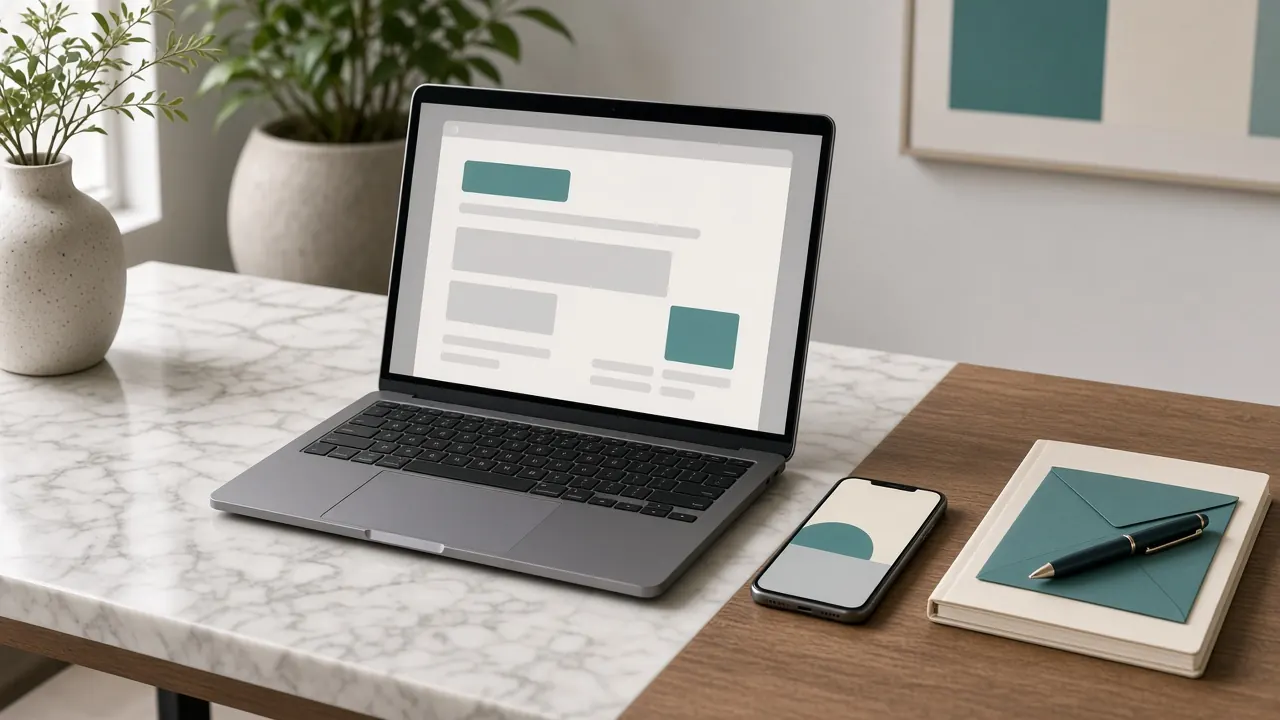
A welcome sequence is a short series of emails sent after someone joins your list or creates an account. Its job is to confirm the signup, remind the person what they asked for, and point to one or two useful next steps. It is not a place to unload every promotion you have ever written.
This beginner guide outlines a practical sequence a small business can maintain. It assumes you already collect addresses with permission, as described in email marketing basics. Commercial messages in the United States still need to follow CAN-SPAM requirements such as accurate headers and a working opt-out. Review the FTC guide and this article’s November 5, 2026 review date when you compare advice to current rules.
What “useful” means in a first email
The first email should make the person feel correctly added, not recruited into a mystery. Include:
- A greeting that names the business.
- A restatement of what they joined.
- A link or instruction that fulfills the promise, such as the guide they requested or the appointment page they cared about.
- A simple way to manage preferences or unsubscribe.
If someone signed up because they wanted workshop reminders, the first email should not immediately switch to an unrelated clearance sale. You can mention other services later if you stay honest about frequency and topic.
A three-message outline you can adapt
There is no official required number of welcome emails. Many small businesses do well with one to three messages spaced over a week or two. A structure that stays manageable:
- Message 1, soon after signup: Confirm the topic and deliver the promised resource or next step.
- Message 2, a few days later: Answer one frequent question, such as how to prepare for an appointment or how to read a menu of services.
- Message 3, about a week later: Invite a single action that fits the original topic, such as booking a visit or replying with a question. Then stop the automated sequence so you do not email past the point of usefulness.
You can write fewer messages. A single clear welcome email is better than a seven-step series you cannot update.
Writing tone
Write the way you would explain the business at the counter. Short paragraphs, ordinary verbs, and no fake urgency. Avoid countdown language you cannot support and avoid “you have been selected” phrasing when the person simply joined a list.
If you include an offer, state the terms: who qualifies, when it ends, and what is excluded. The Federal Trade Commission’s advertising guidance applies to email offers just as it does to other ads.
Technical details that affect trust
Send from an address at your domain if you can, so the From name matches the site. Test the unsubscribe link on a phone. Check that images are not required to understand the message. Keep the primary link easy to see without a hunt through banners.
If your tool supports it, record which welcome message someone received so your team does not send a conflicting manual email the same day.
Worked example
A community pottery studio offers a monthly beginners’ class. The welcome sequence might (1) confirm the person wants class announcements and link to the current schedule, (2) explain what to wear and whether clay is included, and (3) remind them how to ask about remaining seats. It would not add a third-party product pitch that the signup never mentioned.
When to stop or pause
Stop the sequence if the person unsubscribes, if the address bounces, or if they complete the action the sequence was built around (for example, they already booked). Continuing after the job is done is how welcome mail turns into noise.
Common mistakes
- A first email that is only a coupon.
- Six messages in three days.
- Links that go to a generic homepage.
- Forgetting to mention how to unsubscribe.
- Writing the series once and never updating dates or class times.
Questions this guide answers
Should every business use a long drip campaign?
No. Use the shortest series that fulfills the signup promise. A longer series needs more writing time and more maintenance.
Can welcome emails include attachments?
They can, but a web page link is often easier to open on a phone and easier to update later than a PDF you forget to revise.
What if people sign up at the register?
Send the same first email so the confirmation is consistent. The in-store card should use the same topic description as the website form.
How do I know the sequence is working?
Look at delivery, clicks on the promised link, unsubscribes, and replies, using the caveats in email metrics explained. Also notice real-world follow-through, such as class bookings.
You can reuse explanations from your website rather than writing new essays for email; see repurposing content.
Putting this into practice this month
Write the first welcome email on paper as if you were handing someone a card after they joined. Include what they joined, one next step, and how to leave the list. Send that draft to yourself on a phone before you automate anything. If the primary link is easy to miss, enlarge it or mention it in the first sentences rather than decorating the message with extra banners.
Only add a second or third message after the first one is accurate and easy to update. An outdated class time in an automated email will create more support work than a missing third message ever would.
Conclusion
A welcome sequence is a courtesy and a map. Confirm the signup, keep the original promise, offer a next step, and then get out of the way. Write fewer messages than you think you need, keep the unsubscribe path obvious, and update the series whenever the underlying offer changes.
Sources and further reading
- CAN-SPAM Act: A Compliance Guide for Business - Federal Trade Commission
- Advertising and Marketing - Federal Trade Commission
Platform interfaces and policies change. Treat official documentation as the current reference, and read our editorial policy and disclaimer.